
A template for your next step
Choose from nine readable resume layouts. Put education first for your first job, highlight practical skills for a career change, or lead with your experience.
A first job. A fresh start. A step forward. Build a resume that tells your story clearly, right from your Android phone.
Create. Customize. Preview. Take the next step. OpenCVita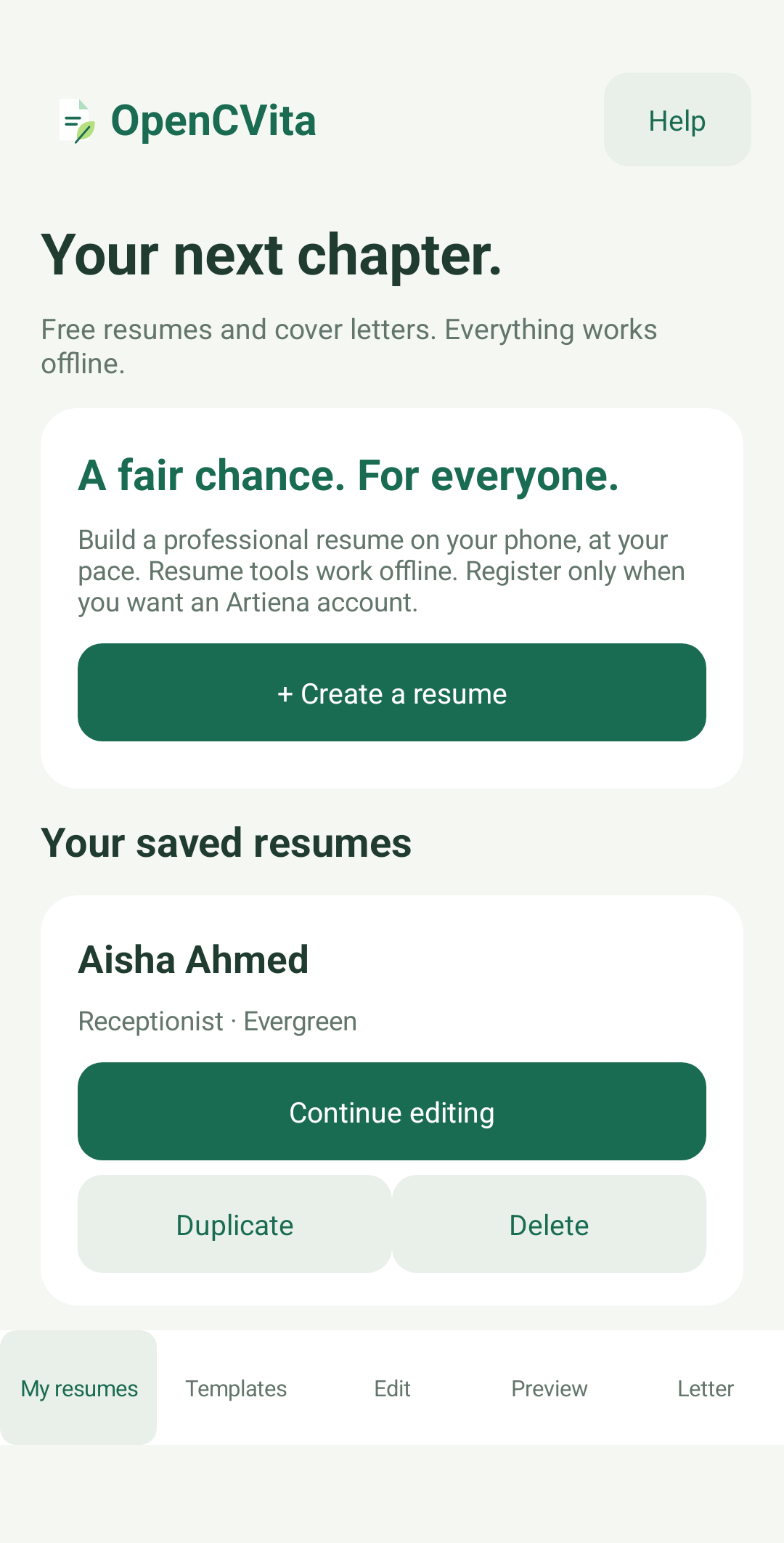
A FAIR CHANCE. FOR EVERYONE.
You bring your experience and ambitions. OpenCVita helps you organize them into a resume and cover letter you can confidently review, edit and share.
Choose from nine readable resume layouts. Put education first for your first job, highlight practical skills for a career change, or lead with your experience.
Start with profession, education and certificate suggestions, then customize the wording. Add experience, languages and optional visa details at your own pace.
Choose a candidate photo from your phone and decide whether it appears in the PDF. Leave it out when an employer prefers a simple, text-focused resume.
Build a cover-letter draft from the details you entered. Choose professional, warm or graduate wording, then edit it for the role and company.
Preview the actual document. Adjust the accent colour or font, check every page, and save a PDF with selectable text and familiar headings.
Edit resumes, prepare cover letters and create PDFs offline. Keep multiple drafts and export an editable backup before changing phones.
DIFFERENT CAREERS. ONE THOUGHTFUL START.
Choose a profession to start with useful suggestions. Every field remains yours to customize.
FROM DETAILS TO DOCUMENT
Use truthful details and follow each employer’s requirements. No template can guarantee a screening score or an interview.
PRIVACY & CONTROL
Drafts, candidate photos, visa details and cover letters stay in the app on your device. Resume editing and PDF creation work offline.
Account registration is being prepared for public launch. When enabled, account actions use online services; your resume is not automatically uploaded.
Read how OpenCVita handles your information ↗Save an editable backup before changing phones, clearing storage or uninstalling.
OPPORTUNITY FOR ALL
Free resume-building tools
Create and customize resumes, prepare cover letters and export your PDFs. No paid template unlocks or subscriptions are included in the current version.
OpenCVita’s public Google Play launch is planned for 16 October 2026. Final Android testing and store-release preparation are in progress.
A Google Play download link will appear here when the public release is live.
Ask about OpenCVita ↗A FEW USEFUL ANSWERS
No. The resume builder is a native Android application. This website explains the app and provides release, support and privacy information.
Edit saved resumes, choose photos, prepare cover letters, preview documents and save PDFs. Registration, online login, account changes, recovery and online account deletion need a connection. A previously saved account can be unlocked offline on the same phone.
The PDFs use selectable text, one-column layouts and standard section headings. Keep the content relevant and follow the employer’s instructions. Screening systems vary; an ATS score or interview cannot be guaranteed.
No. These are optional. You choose whether your photo, visa status or visa expiry appears in a resume. Include only information that is relevant to your application.
No. It creates an editable starting point from details you entered. Check the employer, role, wording and all facts before sending it.
No automatic cloud resume sync or public candidate advertising is included. Keep an editable backup when moving devices. You choose when and with whom to share an exported file.
MADE BY ARTIENA. BUILT AROUND YOUR NEXT STEP.
Questions, feedback or something that would make resume building easier?
Talk to the OpenCVita team ↗